Mevea Instructor Station
Home » Solutions » Simulator hardware » Mevea Instructor Station
Centralized Control for Simulator-Based Operator Training
The Mevea Instructor Station is the central interface for managing the simulator-based training process. Used with the Mevea Training Software, it enables instructors to efficiently control training sessions, adapt scenarios in real time, and assess operator performance throughout every stage of the learning process.
Key Features of the Mevea Instructor Station
The main phases of the training workflow include:
- Student and course information management
- Equipment and exercise selection with configurable training parameters
- Real-time exercise execution and scenario control
- Performance feedback and reporting
During training, instructors can initiate equipment faults and safety-related incidents—such as system failures, environmental challenges, or collisions—to test reactions and reinforce correct operator behavior.
Each session generates detailed reports with instructor guided performance, safety and quality scoring, offering measurable insights into trainee progress.
Images
Scalable Multi-Platform Management
A single Mevea Instructor Station can manage one or multiple simulator platforms simultaneously. This enables centralized training coordination across multi-station environments, where instructors can oversee and update exercises on several machines in real time.
Multilingual Interface and Documentation
To meet the needs of global training operations, Mevea training simulators support multiple languages. Both the Instructor Station interface, the trainee’s simulator interface, and all relevant documentation can be customised in the customer’s preferred language. This ensures clear communication and ease of use in any training environment.
Videos
Components
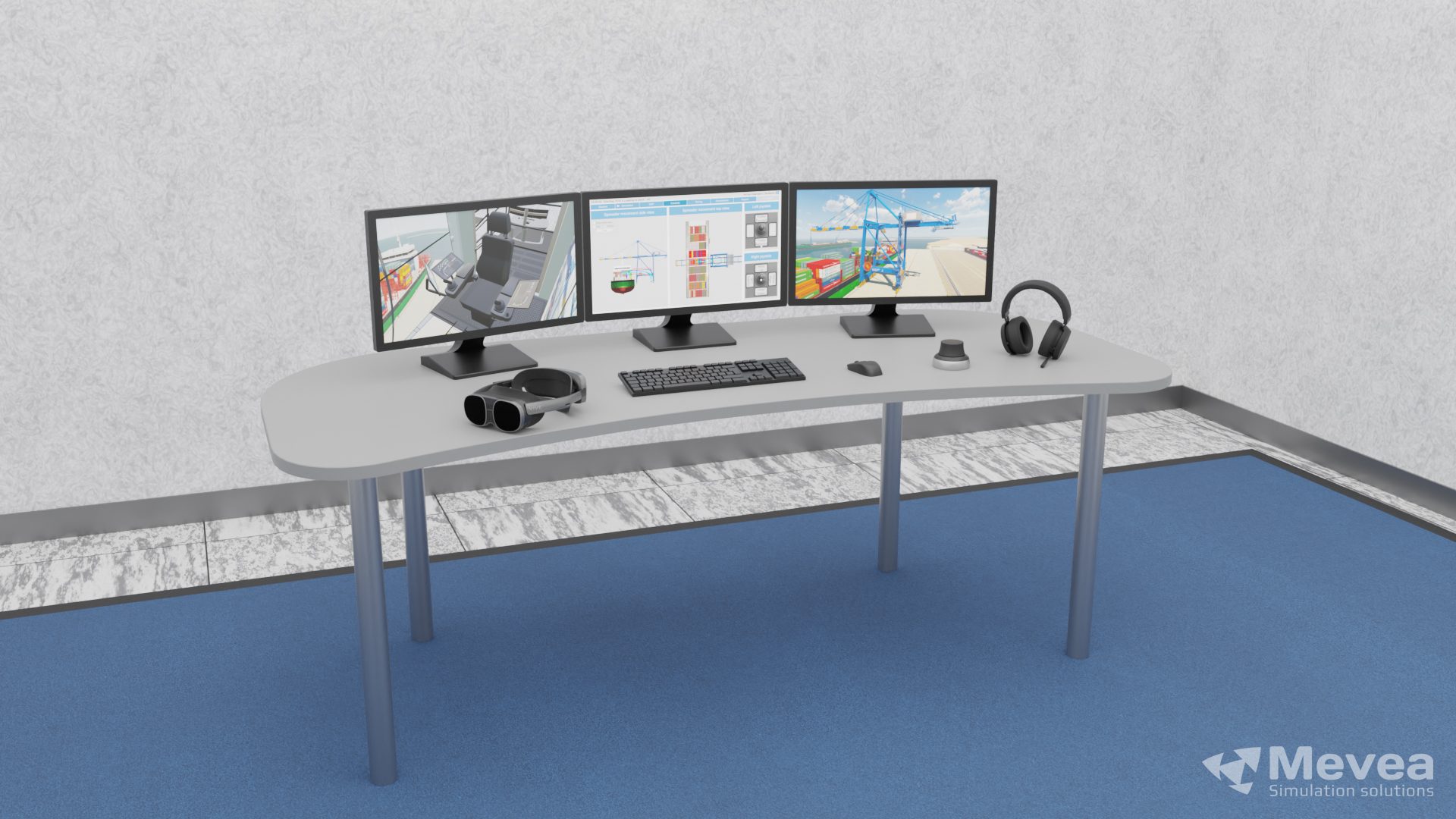
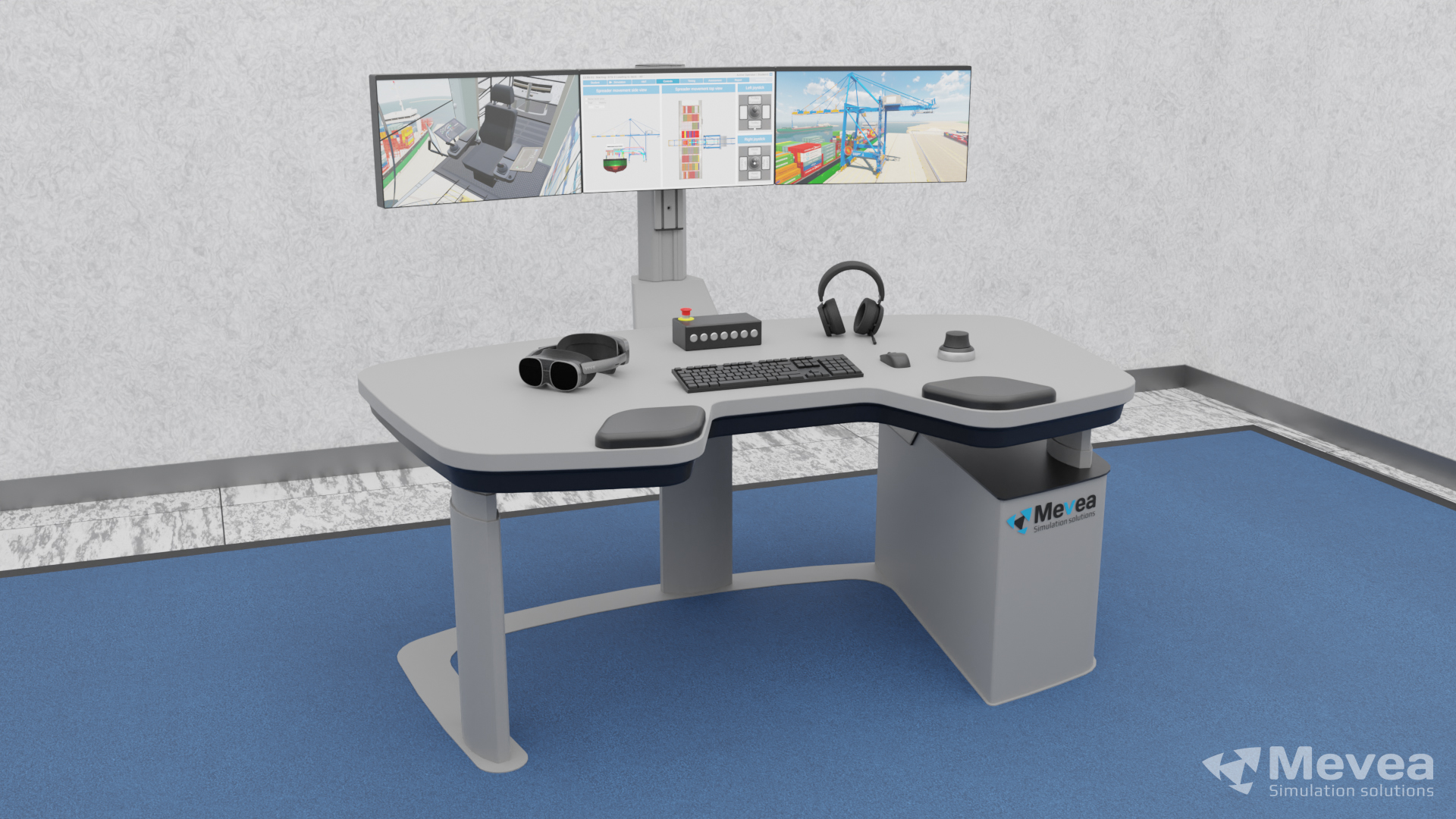
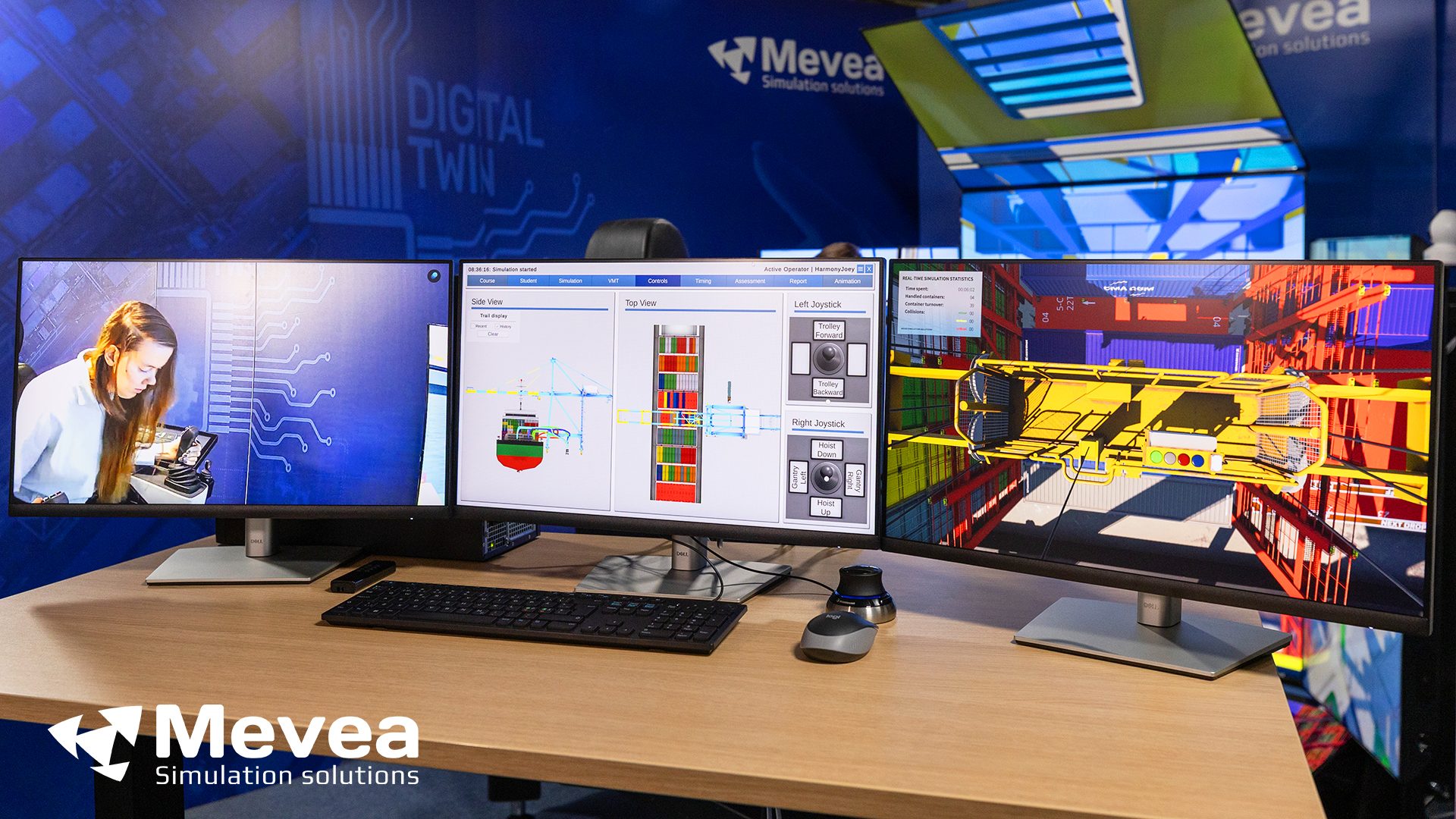
3 screens (32”) to view and manage the training session
Freely selectable 3D view of the crane operating environment
Training Management Software view to configure, manage, control and report training session.
Session replay with freely selectable view is available for debriefing
CCTV view of the operator/trainee inside the simulator cabin
3D mouse for free movement control in the crane operating environment
Mouse, keyboard, and loudspeakers
Trainee-instructor communication devices
Central control panel