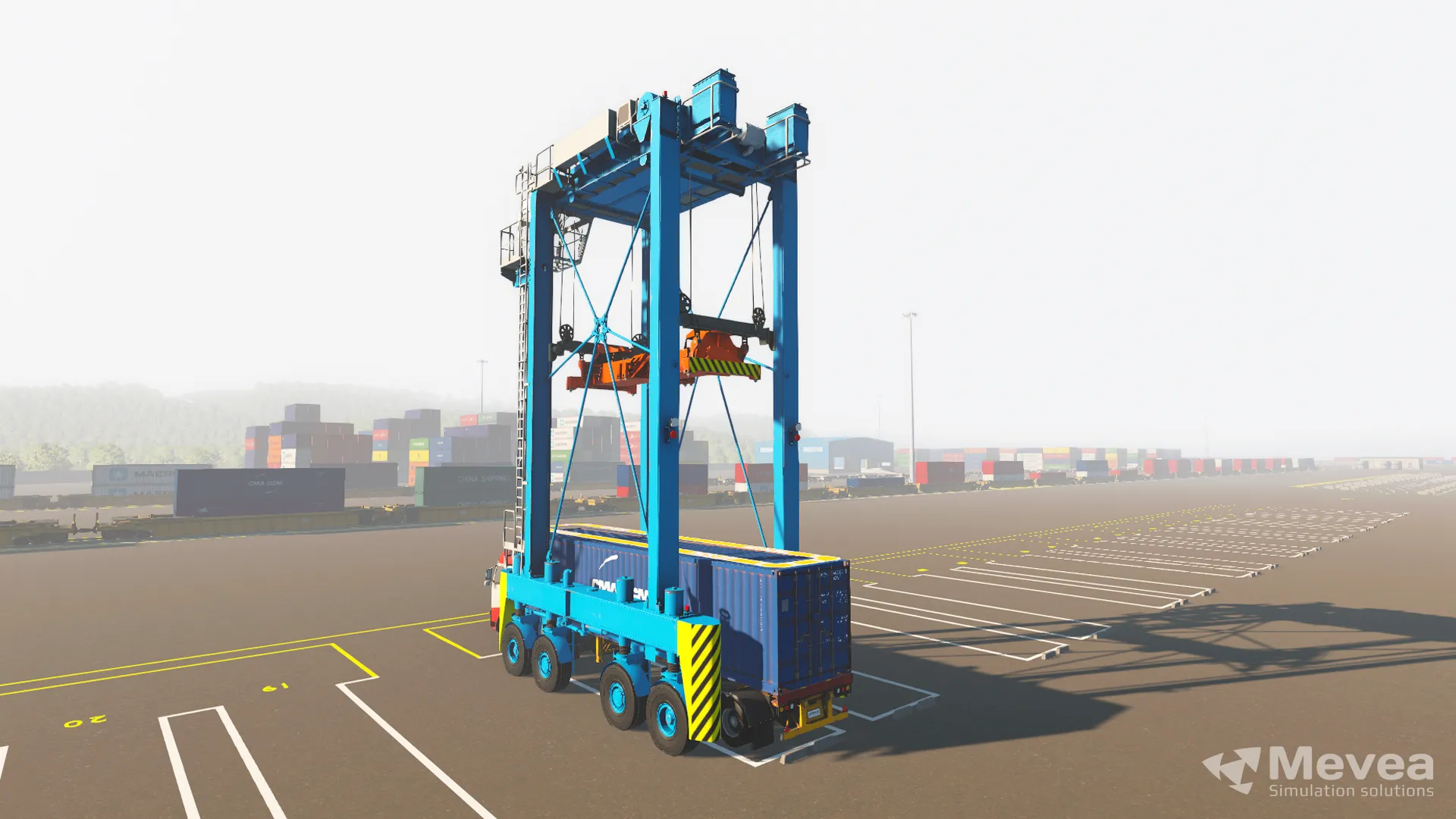
Simulator training helps ports keep cranes in production by creating a dedicated training environment that is completely separate from live operations. Instead of pulling a ship-to-shore or RTG crane off the terminal floor for operator development, ports can run training in parallel with cargo handling. The insights below are drawn from the on-demand Mevea webinar replay How Port Operators Are Trained with Simulators, which features a real customer case from Terminal Portuario de Guayaquil (TPG), part of Hanseatic Global Terminals (HGT). The questions below unpack exactly how this works, what operators learn, and how to choose the right simulator setup for your terminal.
Why Do Ports Struggle to Train Operators Without Taking Cranes Offline?
Ports struggle to train operators on real cranes because the same equipment that is needed for cargo handling is also the only tool available for hands-on practice. At a high-volume terminal, cranes are production assets running close to continuously, so assigning one to a trainee creates an immediate and costly conflict between two essential activities.
The opportunity cost is significant. A ship-to-shore crane sitting idle during a training session is not moving containers. An RTG pulled from the yard for a morning of supervised practice is not stacking boxes. In terminal economics, every idle lift cycle represents lost throughput and, ultimately, lost revenue. As the Technical Manager at TPG explained in the webinar: “To put, for example, a ship-to-shore or RTG to do training has a huge impact on us.”
Beyond the financial cost, scheduling becomes a genuine operational headache. Vessel calls do not pause for training plans. Supervisors are forced to choose between developing their workforce and meeting the day’s operational commitments, and operational commitments almost always win. The result is that operator development gets deferred, rushed, or compressed into the margins of quieter periods, which is rarely the ideal condition for learning a complex, safety-critical skill.
How Does Simulator Training Reduce Crane Downtime During Operator Development?
Simulator training reduces crane downtime by separating training capacity from production capacity entirely. A simulator is a dedicated learning environment that runs independently of the terminal’s live equipment, so operator development and cargo handling can happen at the same time without competing for the same asset.
This separation is the core operational benefit. When a terminal installs a crane simulator, it effectively adds a training lane that does not consume any production resource. A new operator can spend hours practicing load cycles, container stacking sequences, and emergency procedures while the real crane continues working the yard. Supervisors can schedule training sessions around vessel calls rather than in spite of them.
The practical effect is that real machinery stays assigned to production. As the experience at TPG — part of Hanseatic Global Terminals (HGT) — demonstrates in the Mevea webinar, the simulator creates a dedicated environment specifically so that the physical cranes can remain where they generate value. Training no longer competes with operations; it runs alongside them.
What Skills Can Operators Realistically Learn on a Crane Simulator?
Operators can realistically learn the full range of core crane operating skills on a simulator, including load control, anti-sway technique, precise container positioning, spreader alignment, and safe operating procedures under varied conditions. The quality of learning depends directly on how accurately the simulator replicates the physics of the real machine.
A physics-based simulator, which models the actual mechanics, hydraulics, and load dynamics of the crane rather than approximating them, allows operators to develop genuine muscle memory and situational judgment. They learn how a load behaves in wind, how the crane responds at different speeds, and how to recover from an unstable swing. These are not simplified game-like interactions; they are realistic responses that transfer directly to the real cab.
Simulators also support scenario-based training that would be impractical or unsafe to replicate on live equipment. Instructors can introduce equipment malfunctions, adverse weather conditions, congested yard scenarios, and emergency situations in a controlled setting where mistakes carry no consequences beyond the lesson learned. This kind of deliberate practice builds competence and confidence that straightforward on-the-job shadowing rarely achieves.
How Quickly Do Simulator-Trained Operators Reach Full Productivity?
Simulator-trained operators typically reach full productivity faster than those trained exclusively on live equipment, because they arrive at the real crane with foundational skills already developed. The simulator absorbs the early, error-prone phase of learning, so supervised time on the actual machine is spent refining technique rather than building it from scratch.
Industry experience consistently shows that operators who have completed structured simulator training perform more container moves per hour from an earlier point in their operational career. They have already internalized the core control inputs, load management habits, and procedural routines before they ever touch a live crane, which compresses the transition period significantly.
The exact timeline varies by role complexity, prior experience, and the depth of the simulator curriculum. A reach stacker operator and a ship-to-shore crane operator face very different learning curves. What remains consistent is that simulator pre-training shortens the supervised on-equipment phase, which means the crane spends less time as a training tool and more time as a production asset.
What Types of Port Crane Simulators Are Available?
Port crane simulators are available across a range of hardware configurations, from compact desktop units to full-scale cab replicas, and they cover equipment including STS cranes, RTG and RMG cranes, mobile harbour cranes, reach stackers, straddle carriers, empty container handlers, and terminal tractors.
We offer three main hardware tiers designed to match different training needs and budget levels:
- Desktop simulators are lightweight, portable units suited to classroom instruction and introductory training. They are easy to transport between sites and require minimal setup.
- Professional platform simulators combine a motion platform with multiple screens to deliver a realistic physical experience. Our Mevea Pro, for example, uses a 3 DOF motion platform with between three and ten displays, giving operators genuine vestibular feedback as the simulated load moves.
- Full-scale cab simulators replicate the actual operator cab at 1:1 scale for maximum immersion. These are used where the highest level of realism is required, particularly for complex equipment like STS cranes.
- Remote operation simulators support training for remotely operated port equipment, an increasingly important capability as terminals automate more functions.
All configurations include an instructor station that allows trainers to control scenarios in real time, monitor operator performance, and provide structured feedback. The right hardware tier depends on the equipment being simulated, the volume of operators being trained, and how closely the training environment needs to match the real cab.
When Should a Port Invest in Its Own Simulator Versus Using a Training Center?
A port should invest in its own simulator when the volume of operators being trained, the specificity of the equipment involved, or the frequency of ongoing training makes a shared training center impractical. Owning a simulator makes most sense when training is a continuous operational need rather than an occasional event.
High-volume terminals with regular operator intake, large fleets of a specific crane type, or strong ambitions around remote and autonomous operations benefit most from in-house simulator capacity. Training can be scheduled on the terminal’s own timetable, scenarios can be configured to match the terminal’s exact layout and equipment specifications, and the simulator becomes a permanent part of the workforce development infrastructure.
Using an external training center makes more sense for smaller terminals, ports with infrequent training needs, or organizations that want to evaluate simulator-based training before committing to an in-house investment. Training centers offer access to professional instruction and a range of equipment types without the capital cost of ownership.
A useful way to frame the decision is this: if the cost of pulling a crane offline for training even a few times a year rivals the cost of a simulator, the business case for ownership becomes straightforward. The simulator pays for itself not just in training quality but in production hours recovered.
Watch the Full Webinar
The insights in this article are based on the on-demand Mevea webinar How Port Operators Are Trained with Simulators, featuring a real customer case from Terminal Portuario de Guayaquil (TPG), part of Hanseatic Global Terminals (HGT), including direct insights from TPG’s Technical Manager. The webinar covers how simulator-based training improves safety, productivity, and workforce readiness while reducing costs and avoiding operational disruptions at modern container terminals.
Watch the on-demand webinar replay here to see how TPG implemented simulator training and what results they achieved.
This content was generated with the help of AI and it may contain mistakes